
Sometimes it seems like getting an Excel spreadsheet to print correctly is like trying to control a wild elephant. Here's how to tame the beast: set the print area and adjust your page setup.
Step 1
Highlight Print Area
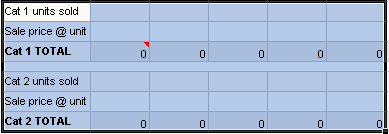
In Microsoft® Excel®, highlight all portions of the worksheet you want to print. You can do this by clicking and dragging with your mouse. If the print area is large, you can highlight the area by clicking in the upper left cell to be printed, scrolling to the end of the area you want to print, then SHIFT CLICK the lower right cell of the print area.


 Follow us on Twitter